Access without registration
Public user access
Introduction to EDS
The ECQ’s Electronic Disclosure System website can be found at disclosures.ecq.qld.gov.au.
If you only want to view disclosures made by others and do not need to report them yourself, you do not need to register to use the site; you may simply go to the above web page. From there, as a general public user, you are able to:
- View, sort and filter the same information in a table view;
- View, sort and filter expenditure incurred by political entities;
- Generate detailed reports of all financial disclosures including loans, gifts, expenditure, election summary returns and periodic returns;
- Export to .csv and save or print the information found.
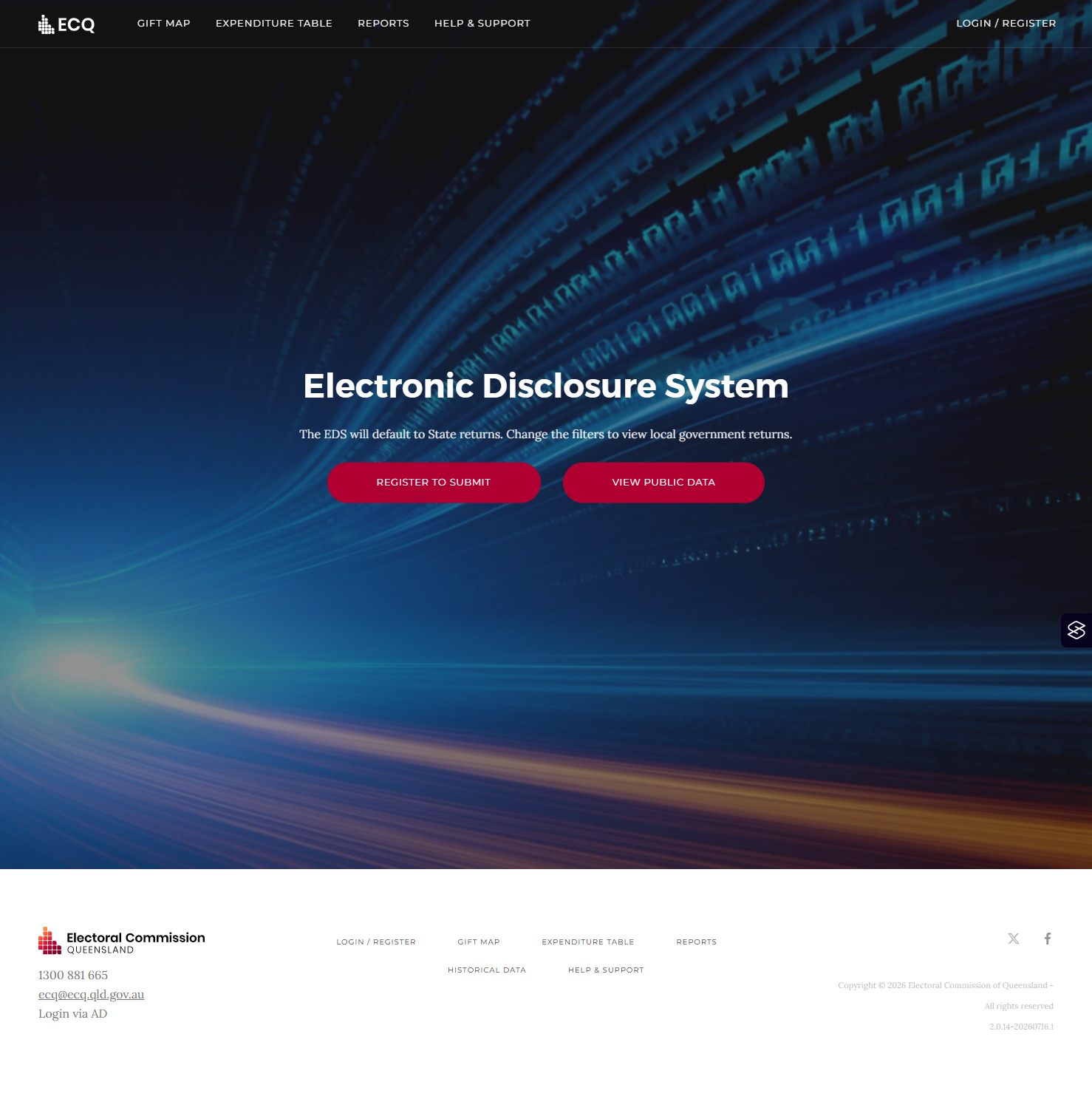
From the homepage, you can access the maps and reports by clicking the ‘View public data’ button, or the buttons at the top left of the screen.
Tabulated gift data
For guidance on how to access and understand the data in the EDS, refer to the Accessing EDS data fact sheet.
Click on the ‘View Table’ button in the top right of the screen to toggle to table view.
